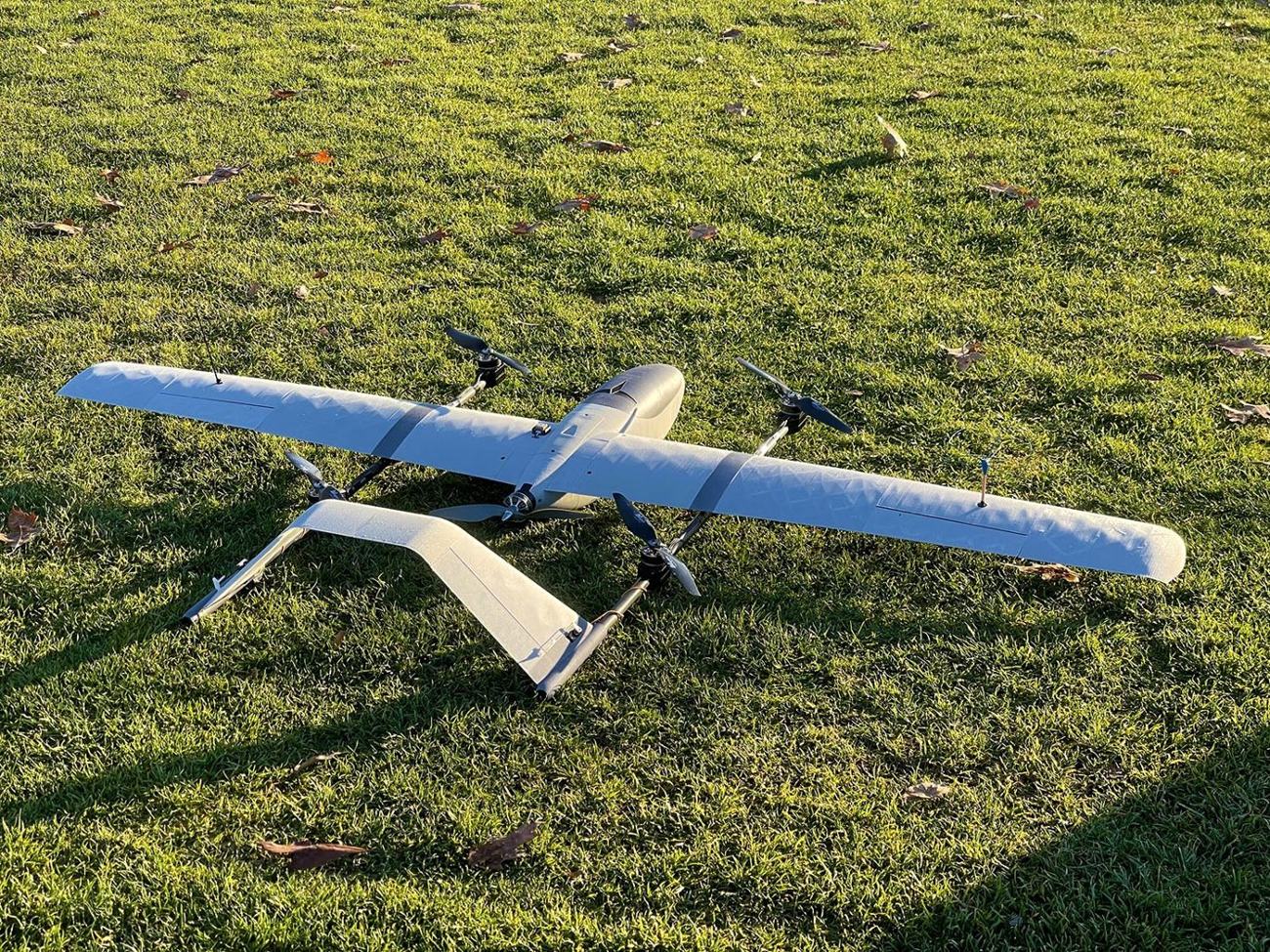
Notoxytech GCS for Android: A Universal Ground Control App for SIYI, Skydroid and Herelink Remote Controllers
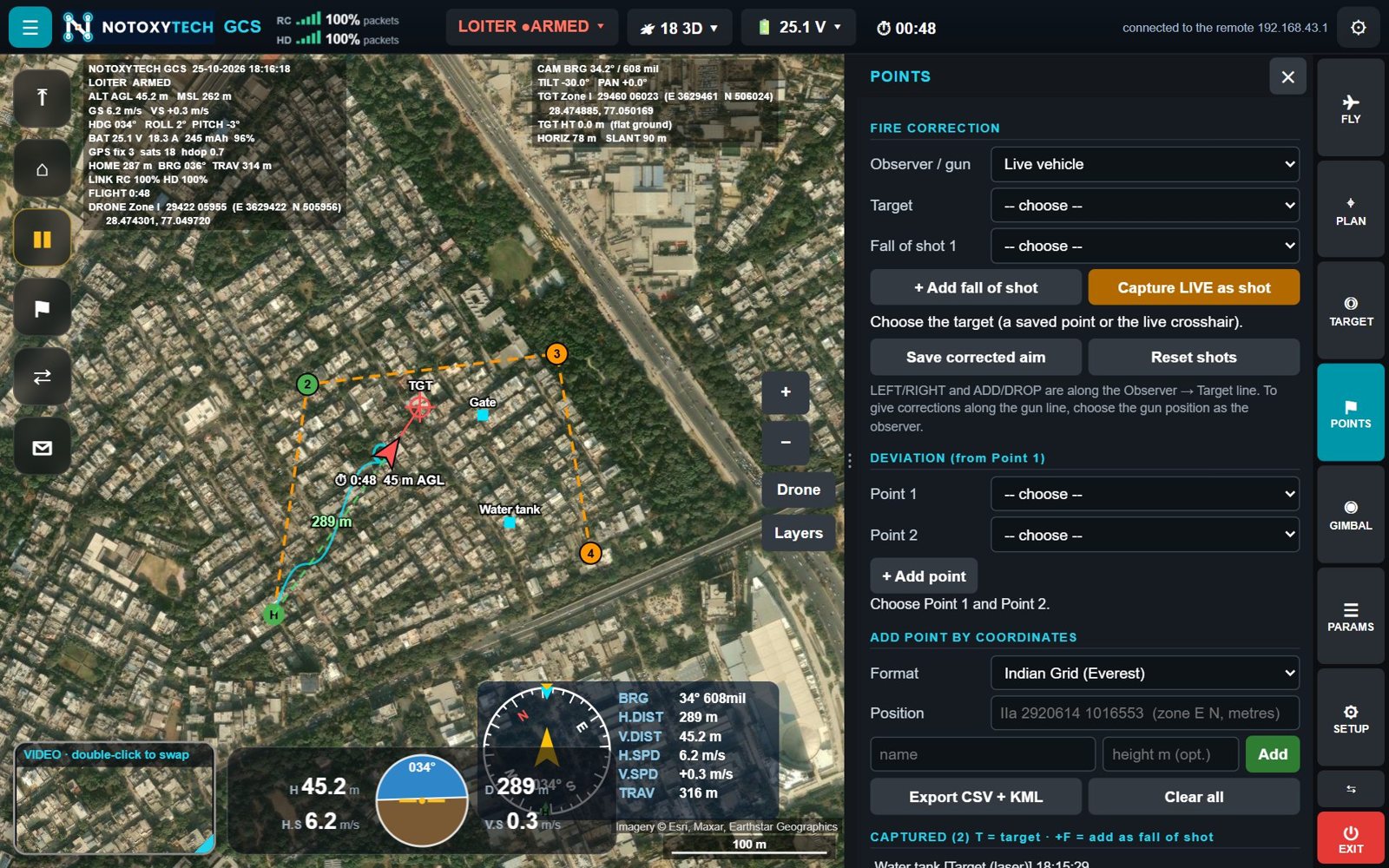
Notoxytech GCS for Android puts a full, universal ground control station on the Android remote controller or tablet you already fly with — for any ArduPilot or PX4 drone that uses MAVLink.
Built for the remote controller in your hands
Notoxytech GCS for Android runs on Android 7 or newer — remote controllers with a screen and tablets. It connects to the drone through the remote’s datalink automatically, or over UDP, TCP or a USB radio, and the vehicle is flown with the remote controller’s sticks, with an optional gamepad.
Supported remote controllers include SIYI MK15 (Enterprise, Agriculture), MK32, UniRC 7 / 7 Pro / 10 Pro, Skydroid G12 and G30, CubePilot Herelink, and any Android remote.
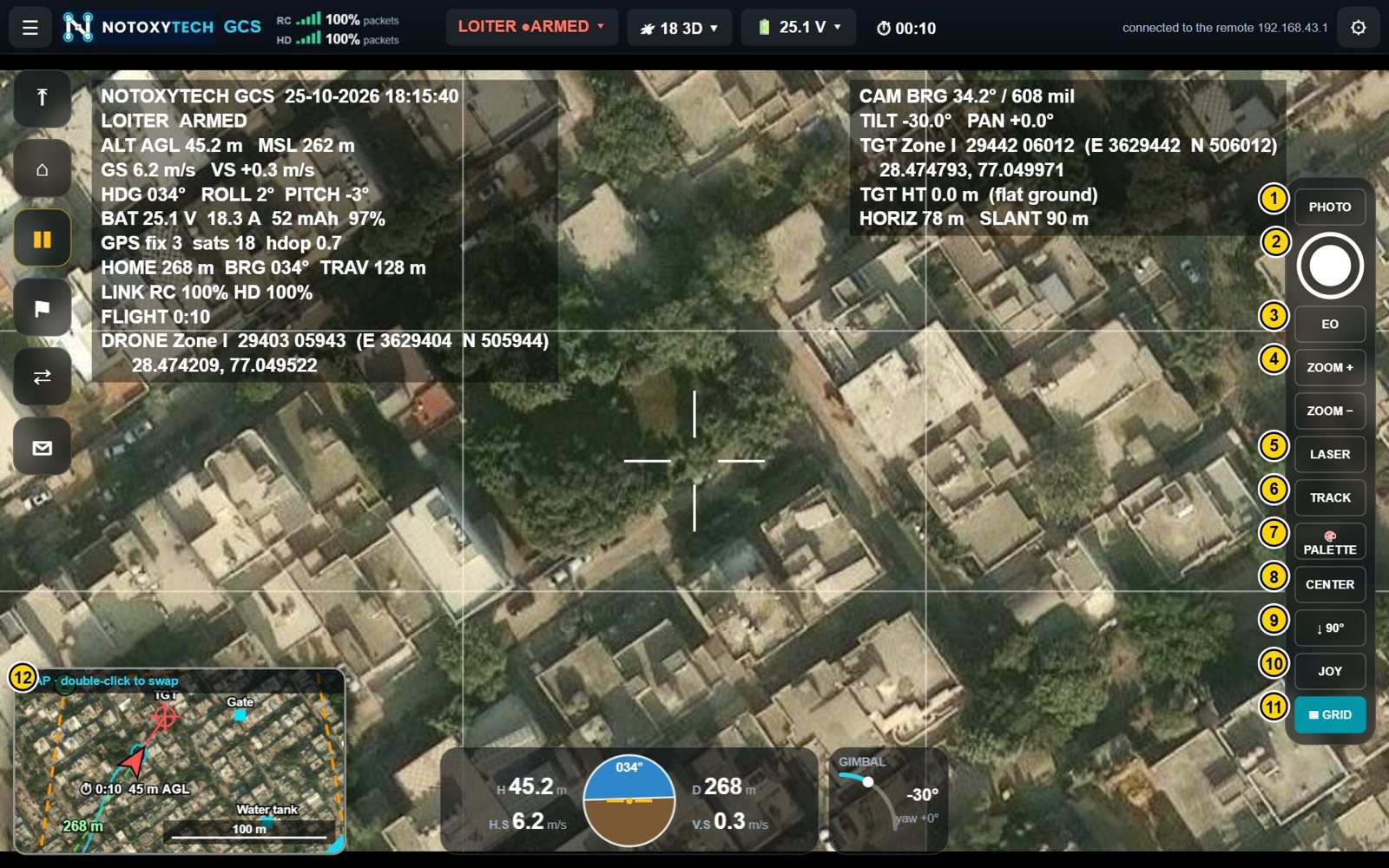
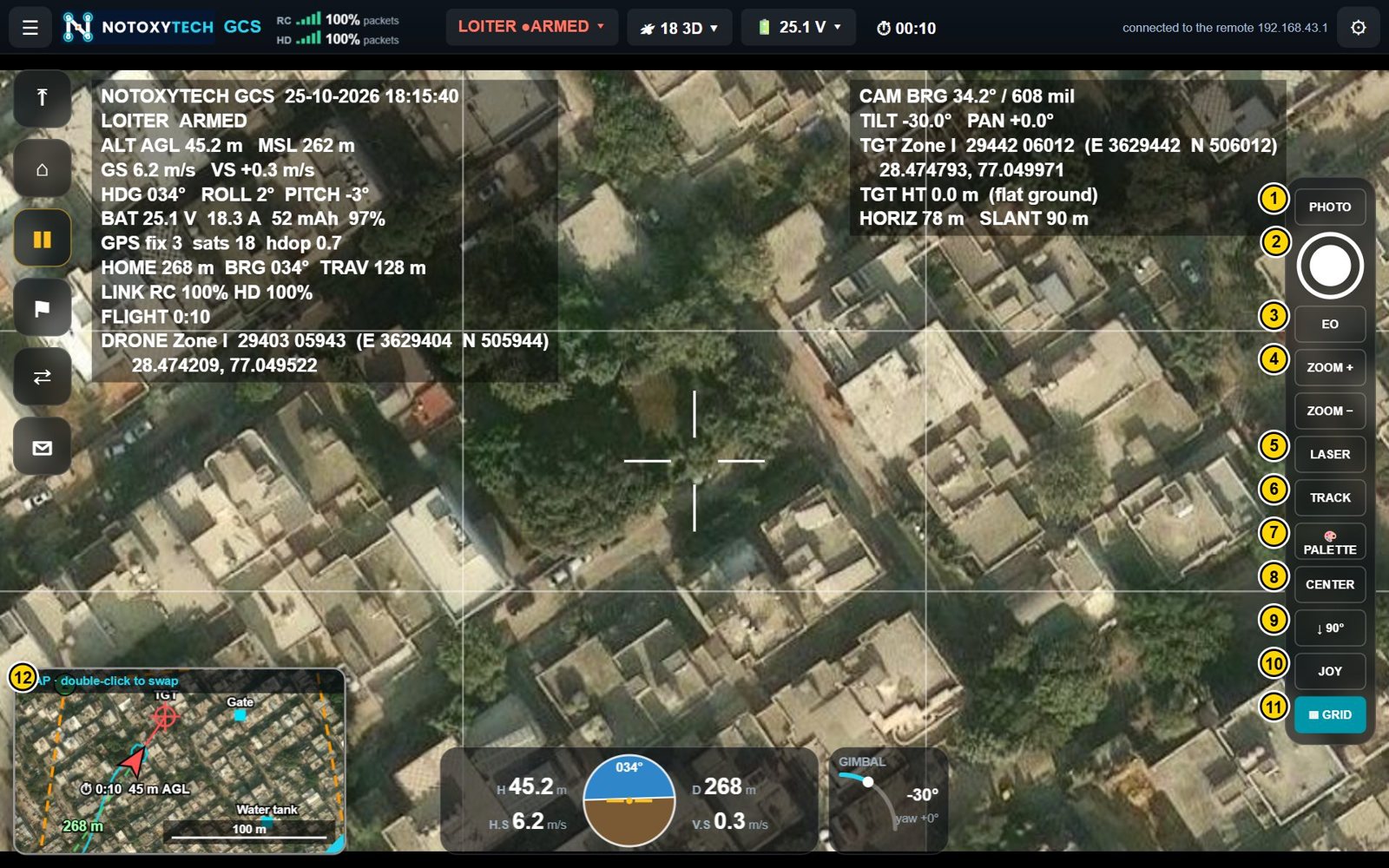
Everything on one screen
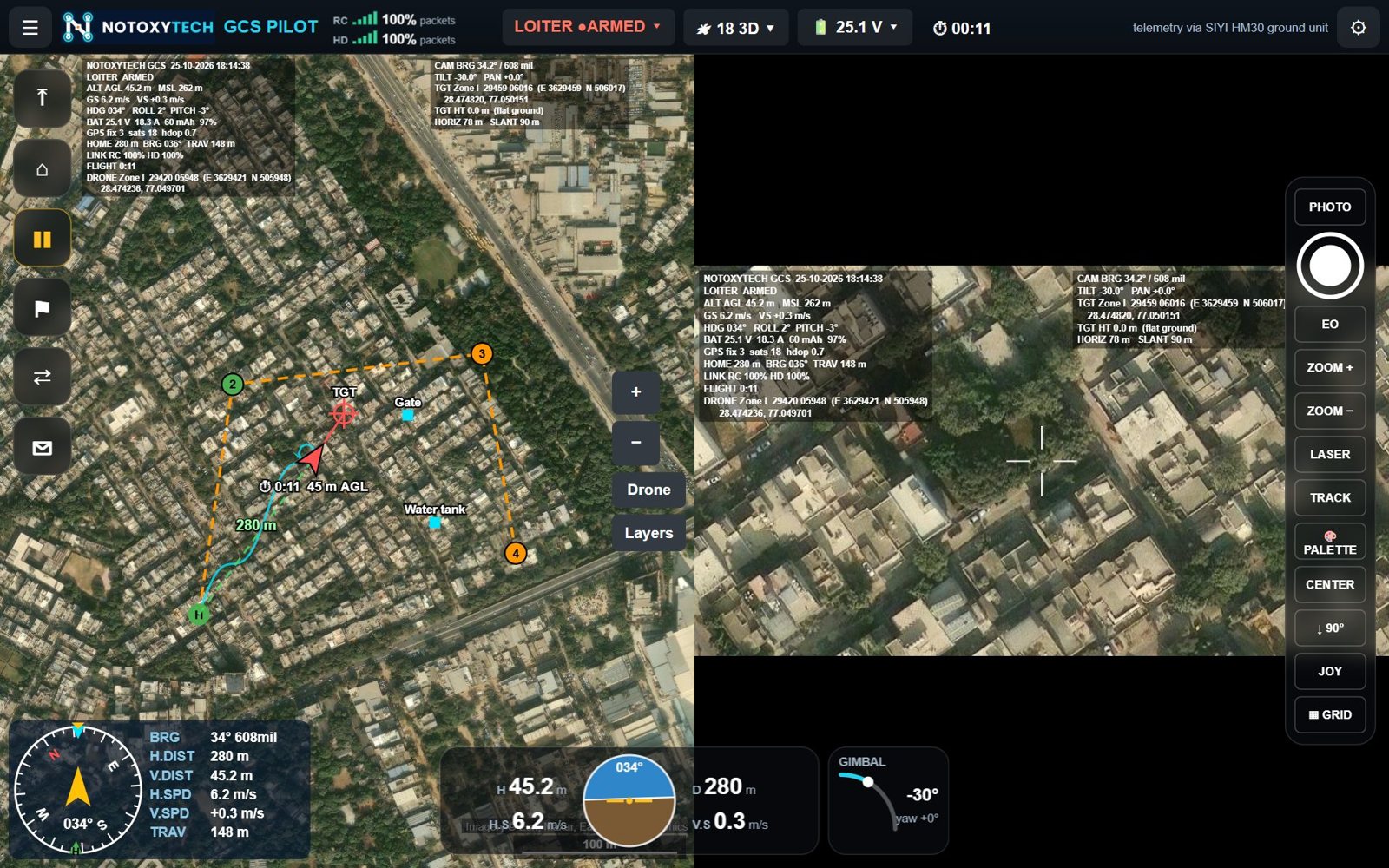
- Flight control — take off, land, return home, pause, every flight mode of the vehicle type (LOITER, POSHOLD, GUIDED, AUTO, RTL, SMART RTL, BRAKE, LAND), arm / disarm with confirmation, Fly here and change altitude.
- Map and missions — live map with flown path and line to home; Google, Bing, Esri, OpenStreetMap / OpenTopoMap and Mapbox sources; offline maps; waypoint mission planning, survey areas, and Mission Planner / QGroundControl
.waypointsfiles. - Camera, gimbal and video — low-delay H.264 / H.265 video with OSD, map / video split or picture-in-picture, day / thermal switching and palettes, zoom, target tracking and laser rangefinder control.
- Targeting and coordinates — target position by laser or flat-ground calculation, captured points, fire correction (left / right, add / drop, also in grid east / north), and Lat/Long, UTM, MGRS, Indian Grid (Everest, zones I–IVa) and DSM (India NSF LCC) formats.
- Safety and monitoring — preflight checklist, two-way link quality with a 2-minute graph, battery reserve warning, autopilot messages and instruments.
Share to a laptop or TV
From the SHARE tab, the app sends video (with or without the OSD) for VLC, telemetry for Mission Planner, or the full ground station to Notoxytech GCS Companion for Windows — so a commander or observer can follow the mission on a bigger screen. Photos and videos are saved on the remote under Pictures/NotoxytechGCS and Movies/NotoxytechGCS.
Subscription and demo
Each controller uses its own subscription key, tied to its Device ID and activated online; the end date is shown in the app. One 10-minute demo is available per controller from the activation screen.
See the Notoxytech GCS for Android product page or download the function catalogue (PDF).
Frequently asked questions
Which Android devices does Notoxytech GCS run on?
Android 7 or newer — remote controllers with a screen and tablets. Supported remotes include SIYI MK15 (Enterprise, Agriculture), MK32, UniRC 7 / 7 Pro / 10 Pro, Skydroid G12 and G30, CubePilot Herelink, and any Android remote.
How is Notoxytech GCS for Android licensed?
With a subscription key per controller, tied to its Device ID and activated online; the end date is shown in the app. One 10-minute demo is available per controller.
Can I share the drone video to a laptop or TV?
Yes. The SHARE tab sends video (with or without OSD) for VLC, telemetry for Mission Planner, or the full ground station to Notoxytech GCS Companion for Windows.
Can I fly with a gamepad on Android?
Yes, optionally. Gamepad sticks act as RC override 25 times a second, camera functions sit on the buttons, and the vehicle returns home automatically 3 seconds after the gamepad is lost.